
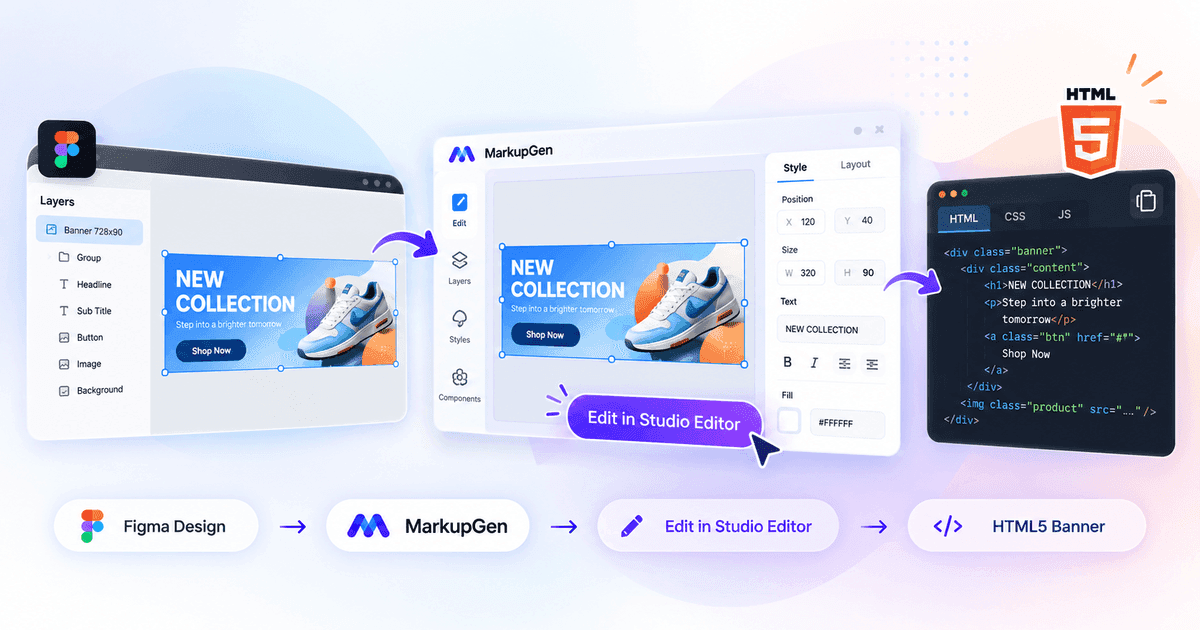
Create and Customize HTML5 Banners from Figma with MarkupGen
Create HTML5 banners from Figma with MarkupGen: convert the design to HTML and CSS, edit colors, text, rotation and animation in Studio Editor, then export.
Read more →Blog
Practical, no-fluff articles on converting Figma designs into production-ready HTML, CSS and React.
Create HTML5 banners from Figma with MarkupGen: convert the design to HTML and CSS, edit colors, text, rotation and animation in Studio Editor, then export.
Read more →
MarkupGen's Email Ready mode turns a Figma design into table-based HTML email, or slices an image into a clickable email that stays under Gmail's 102KB clip.
Read more →
A decision guide for MarkupGen's three most-asked-about output choices — when to export Figma to HTML/CSS, when to export to React, and where Tailwind actually fits in.
Read more →
MarkupGen converts a Figma design into React or Vue 3 components (plus Svelte and Angular), or HTML/CSS with Tailwind, Bootstrap and more.
Read more →
A repeatable checklist for judging AI Figma-to-code output beyond 'it looks right' — visual fidelity, semantics, responsiveness, accessibility and weight.
Read more →
Converted HTML can look identical to the design and still hurt SEO. A checklist for what to verify before publishing a Figma-to-code export.
Read more →
What accessibility actually requires in a Figma-to-HTML workflow — semantic markup, headings, ARIA, forms, contrast and keyboard navigation.
Read more →
Skip the framework dependency entirely. How Figma values convert to plain, hand-editable CSS — and when that's the right call over Tailwind or Bootstrap.
Read more →
Why token-to-utility mapping only works as well as the Figma file's own consistency — and what actually happens when a value falls off Tailwind's scale.
Read more →
Figma has no native breakpoint system — here's how designers actually simulate responsive layouts, and what each approach turns into in CSS.
Read more →
Auto Layout maps to Flexbox the same way for any output — but turning it into React means deciding where component boundaries and props go. Here's how.
Read more →
"Figma to HTML without a plugin" tools exist — here's what they actually trade off against a plugin-based converter, and why that trade-off usually isn't worth it.
Read more →
Turning a Figma design into classless Pico v2 markup — where semantic HTML styles itself, and what to check since there are almost no classes to review.
Read more →
Converting a Figma design into Materialize 1.0.0 — Google's Material Design language as CSS and JS — without hand-mapping every card, chip and shadow.
Read more →
How to turn a Figma design into clean Bulma 1.0.2 markup — where Bulma's class-only, flexbox-based approach helps and what to check before you ship.
Read more →
MarkupGen is an AI tool that turns Figma designs into a live microsite or landing page automatically — HTML/CSS ready in under 1 minute, just a few clicks.
Read more →
How Figma Auto Layout and constraints shape responsive mobile and desktop layouts — breakpoints, common mistakes, and a developer handoff checklist.
Read more →
MarkupGen can export Figma designs as Vanilla CSS, Tailwind, Bootstrap, Bulma, Materialize or Pico. Compare the pros, cons and best use case for each.
Read more →
Generate inbox-ready email marketing HTML from Figma with MarkupGen, then send a real test email to Gmail or Outlook before launch — just like Canva.
Read more →
Landing pages live and die by speed. See how MarkupGen turns a Figma landing page design into clean, responsive, ready-to-ship code in minutes.
Read more →
See how MarkupGen turns your Figma design into clean, responsive, SEO-ready HTML/CSS — without rebuilding the interface by hand.
Read more →
Vanilla CSS, Bootstrap, or Tailwind CSS? Compare how each approach works, its trade-offs, and get practical guidance on which to choose for your project.
Read more →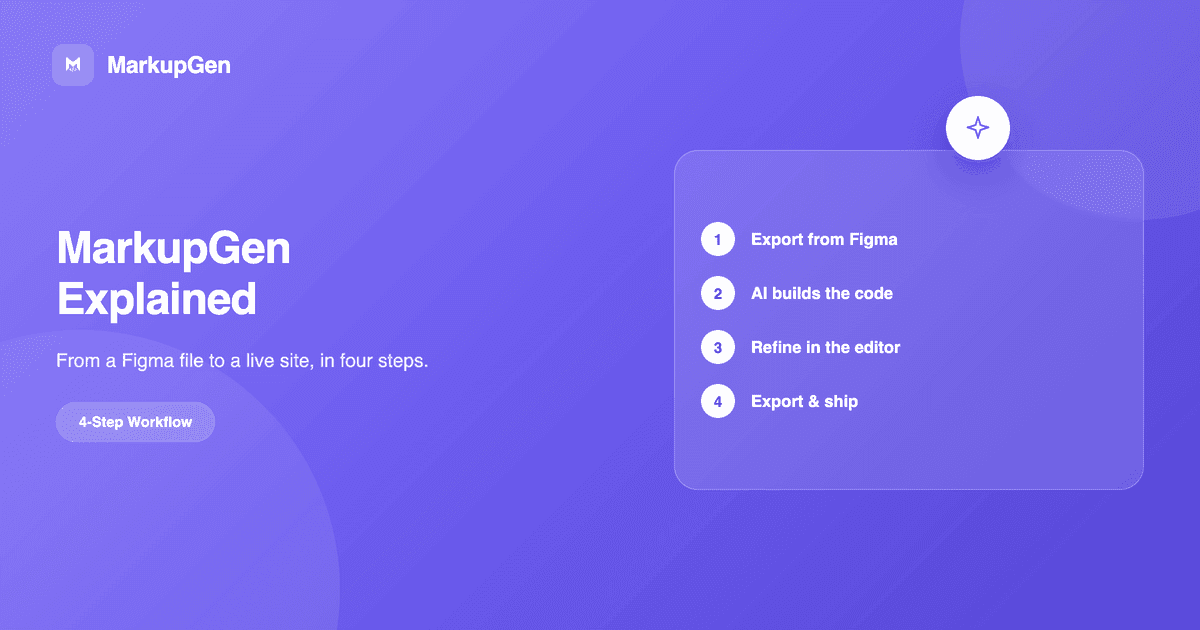
MarkupGen turns Figma designs into clean, production-ready HTML, CSS and React code through a simple, AI-powered four-step workflow.
Read more →
How AI powers MarkupGen end to end: generating code from Figma structure, scoring output quality, and suggesting fixes to rebuild it accurately.
Read more →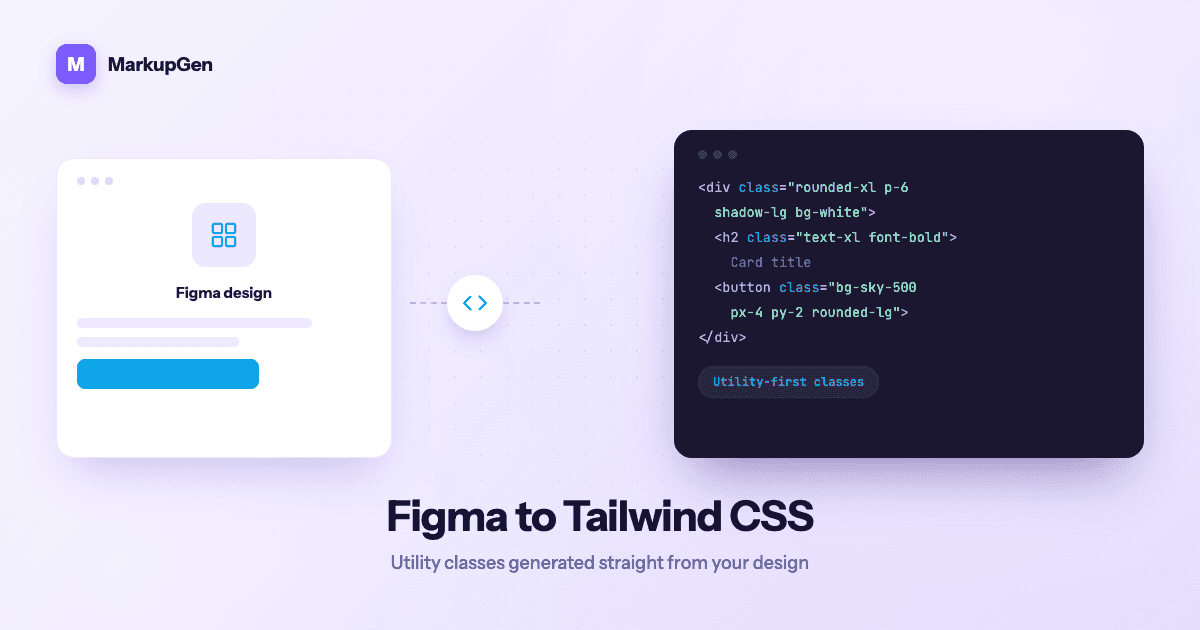
Why hand-converting Figma values into Tailwind utility classes is slow, and how to generate accurate Tailwind output straight from your design.
Read more →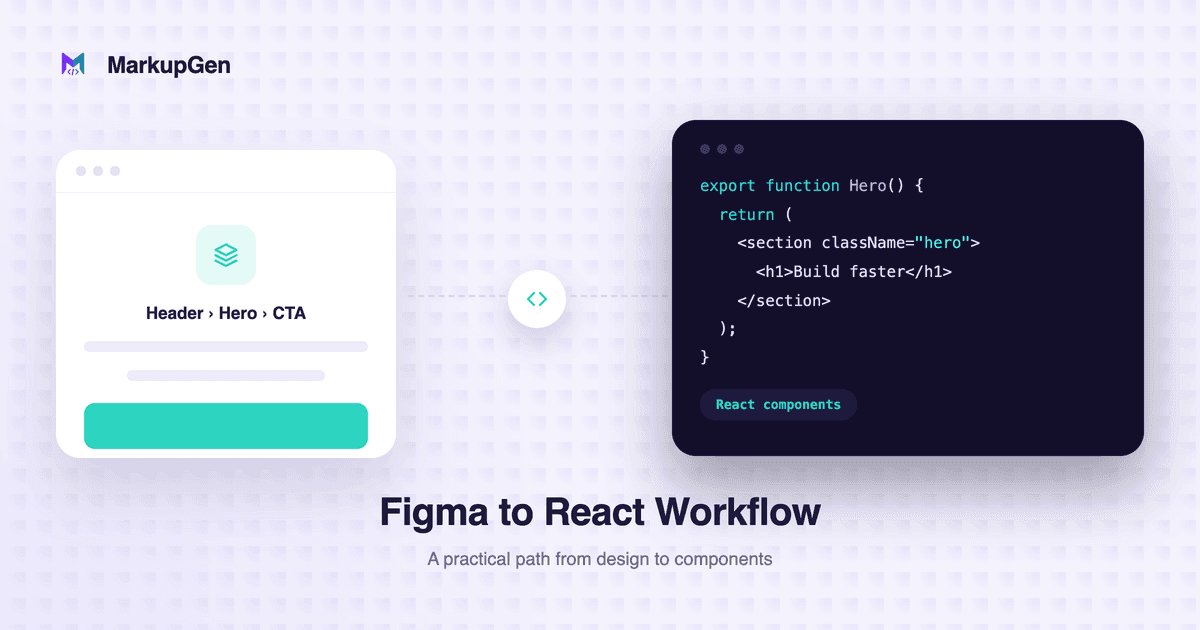
A practical Figma to React workflow: mapping components and variants, handling Auto Layout and responsive behavior, and what to review before shipping.
Read more →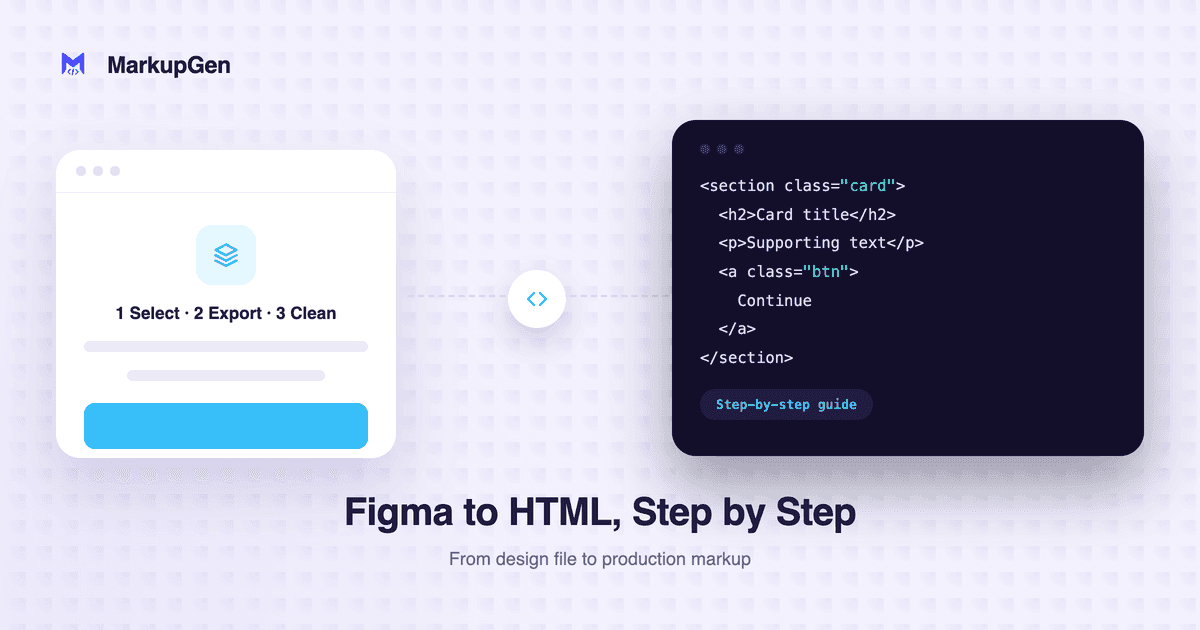
A step-by-step guide to turning a Figma file into clean, responsive HTML, CSS (or Tailwind) code — no manual pixel-pushing required.
Read more →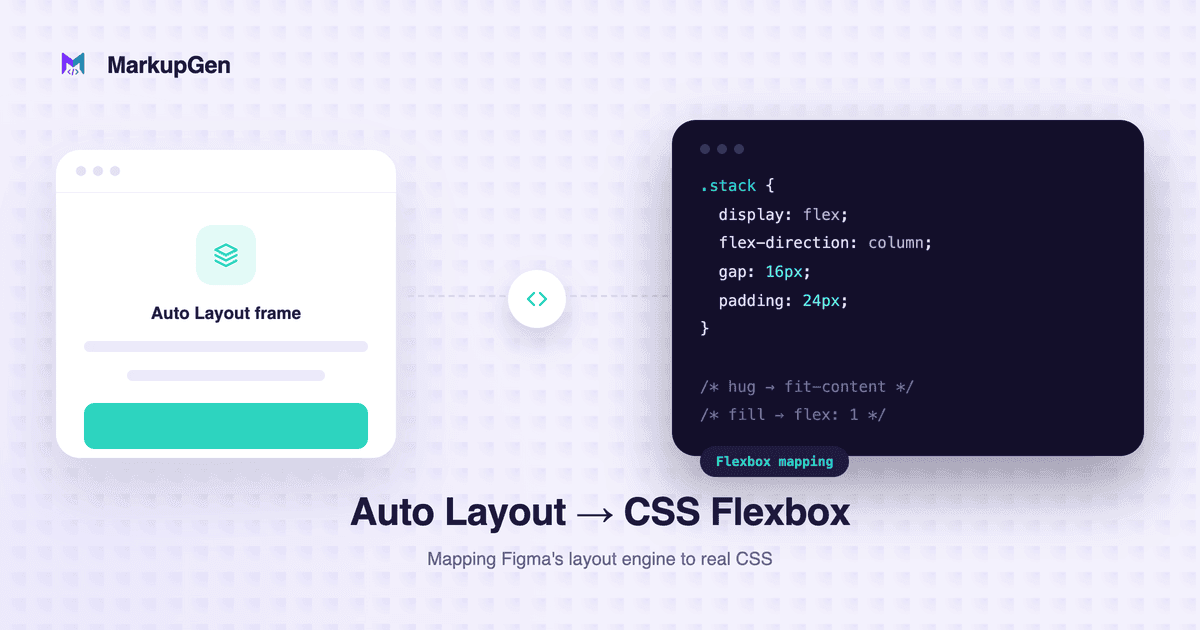
Learn how Figma Auto Layout maps to CSS Flexbox — direction, gap, padding, hug/fill/fixed sizing, responsive behavior, and when CSS Grid fits better.
Read more →