
Published 2026-08-18 · By MarkupGen Team
Figma to Bulma CSS: A Practical Conversion Guide
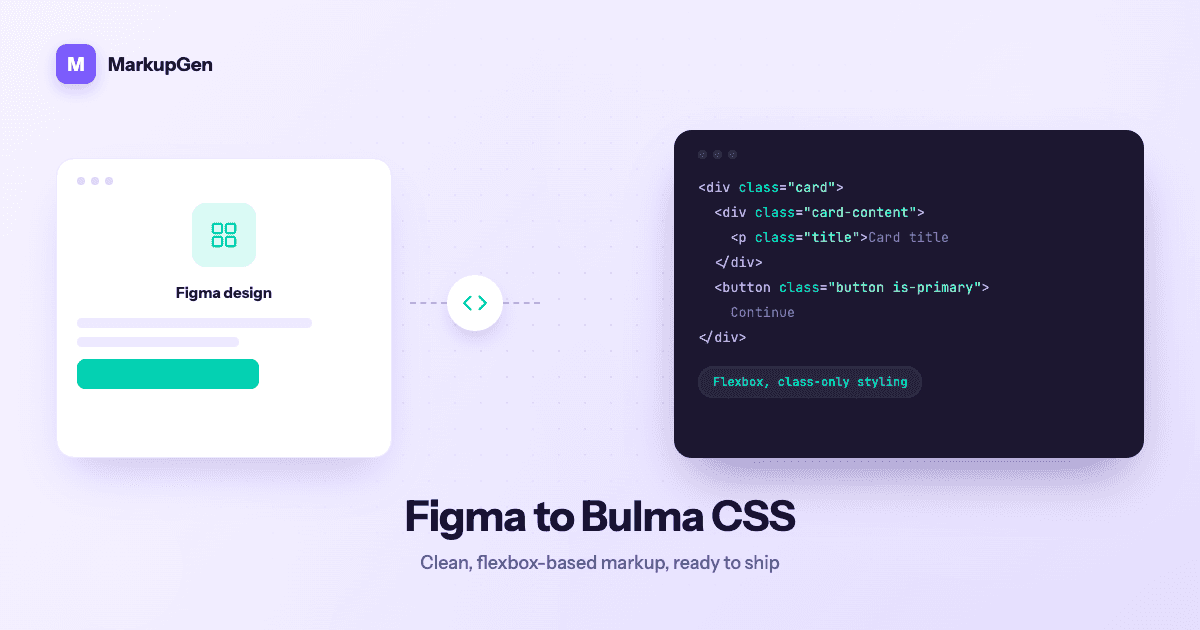
Bulma sits in an odd spot compared to Bootstrap or Tailwind: it's a full component framework, but it's also class-only — no bundled JavaScript, no build step required. That makes it a clean target for a Figma export, but hand-converting a design into Bulma's specific class vocabulary still means a person has to know Bulma's grid, spacing and modifier classes well enough to pick the right one every time.
Why manual Figma-to-Bulma conversion is slow
Bulma's flexbox-based grid (columns, column, is-* size modifiers) reads simply once it's written, but getting from a Figma frame to that markup by hand involves the same repetitive translation work as any other framework:
- Mapping Auto Layout to Bulma's column system. A row of elements with even spacing in Figma needs to become the right combination of
columns,column is-half/is-one-third, and gap handling — decided by eye, frame by frame. - Picking the right modifier classes. Bulma expresses most styling through modifiers (
is-primary,is-rounded,is-large), so a developer has to translate a fill color or corner radius in Figma into "the closest matching Bulma modifier," which isn't always a clean one-to-one match. - Reconstructing typography and spacing using Bulma's own scale (
title,subtitle,mb-*/mt-*helpers) instead of copying pixel values directly. - Repeating all of it per breakpoint, since Bulma's responsive helpers (
is-hidden-mobile, column width changes) need to be added manually for each screen size in the design.
None of this is conceptually hard, but it's exactly the kind of judgment-heavy, repetitive work that produces small inconsistencies across a real multi-page design.
How MarkupGen generates Bulma output from a real design
MarkupGen removes the translation step instead of just speeding it up. The workflow is the same regardless of output format:
- Export the frame from Figma with the MarkupGen plugin, which captures structure, styles and images together.
- AI builds the markup from the design's actual structure — not an approximation of it.
- Refine content, fonts and layout visually in the in-app editor before finalizing anything.
- Export the final code package in Bulma 1.0.2.
At export time, Figma's Auto Layout and spacing values are mapped onto Bulma's actual grid and helper classes rather than guessed — a row of Auto Layout elements becomes a columns/column structure sized to match, and padding, gap and alignment settings resolve to Bulma's spacing helpers instead of inline styles. The output stays classless of any JavaScript, matching Bulma's own no-JS philosophy, so nothing extra needs to be wired up for the CSS to render correctly.
Where Bulma fits among MarkupGen's output formats
Bulma is one of six CSS targets MarkupGen supports, alongside Vanilla CSS, Tailwind, Bootstrap, Materialize and Pico — chosen per project from the config panel rather than locked in up front. It's the framework worth reaching for when you want a modern, clean default aesthetic without adopting a full component library the way Bootstrap or Materialize would require. For a side-by-side comparison of all six, see 6 CSS Frameworks for Figma-to-Code.
Reviewing the generated markup before you ship
Automated conversion gets the class structure right for most of a design, but it's worth a quick pass before merging:
- Check column widths at each breakpoint — Bulma's grid is flexible, so confirm the generated
is-*sizes still match intent on mobile, not just desktop. - Scan for repeated modifier patterns, especially where the same component (a card, a button style) appears more than once — it should resolve to the same modifier classes everywhere.
- Confirm semantic HTML underneath the Bulma classes — output favors meaningful tags over nested
<div>soup by default. - Use the in-app editor for content or layout tweaks rather than hand-editing exported classes, then re-export.
Every export also gets an automatic AI quality score, so you have a quick read on whether it's ready to ship before going further.
Try it on your own design
If you're currently hand-picking Bulma modifier classes to match a Figma file, it's worth seeing how much of that work disappears when the classes come from the design's real values. Try MarkupGen free on one of your own frames, or see the Figma to Bulma converter page for what you get out of the box.