
Published 2026-08-20 · By MarkupGen Team
Figma Design Tokens to Tailwind: Colors, Type & Spacing
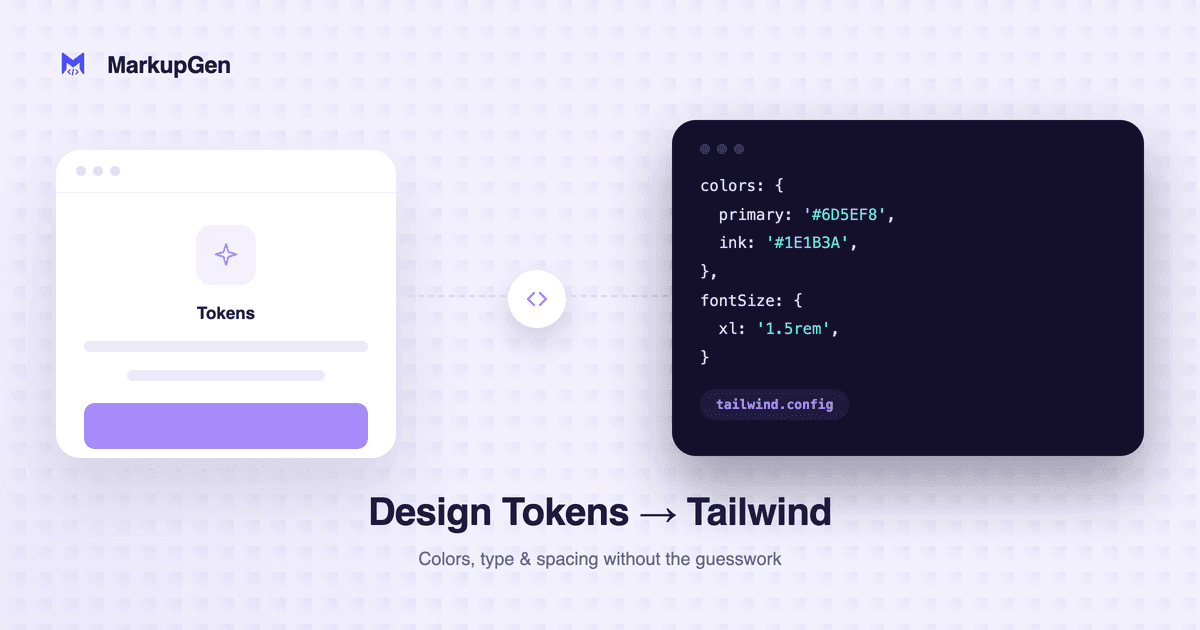
Quick answer: a Figma color/text/spacing value maps to Tailwind by matching against Tailwind's own utility scale — the closest spacing step, the nearest color, the matching type size. When a value sits off that scale, output falls back to an arbitrary-value class like
bg-[#f4f4f5]rather than inventing a new theme color that doesn't exist in your config.
"Design tokens" in a Figma file, concretely
Before the mapping makes sense, it helps to be specific about what counts as a token versus a one-off value in Figma:
- Color styles — a saved, named fill (e.g. "Gray/100") applied consistently across the file, as opposed to a raw hex value picked once and never reused.
- Text styles — a saved combination of font, size, weight and line-height, applied to headings or body text consistently.
- Spacing values — not usually "saved" as a style in the same way, but consistent Auto Layout gap/padding numbers used repeatedly across frames.
The mapping to Tailwind works best when the Figma file actually uses these consistently. A file where every button uses the same saved "Primary" color style converts cleanly to one Tailwind class reused everywhere. A file where five buttons each have a slightly different one-off blue converts to five slightly different Tailwind values — because that's genuinely what the design contains, not a flaw in the conversion.
How values resolve to Tailwind's scale
Tailwind's value proposition is a constrained, predefined scale for spacing, color and type — not an open palette. Converting into that scale means matching, not inventing:
| Figma value | What Tailwind conversion does |
|---|---|
| Padding: 16px | Matches directly to p-4 (Tailwind's 16px step) |
| Padding: 18px | Off-scale — falls back to p-[18px] rather than rounding silently |
Fill: #3B82F6 |
Matches Tailwind's default blue-500 if it's an exact hit |
Fill: #3B7FE0 |
Off-scale — falls back to bg-[#3B7FE0] |
| Font size: 16px / weight 600 | Matches text-base font-semibold |
This is a deliberate distinction: MarkupGen's Tailwind output resolves against Tailwind's actual default scale rather than generating a custom tailwind.config theme to force every value to "fit." That keeps the output honest about the design's real values — an off-scale color shows up as an arbitrary-value class, which is a visible signal that it's worth checking with the designer whether it should be nudged onto the shared palette, rather than a silent rounding error.
What this means for reviewing the export
- Arbitrary-value classes are a signal, not a bug. A cluster of
bg-[#...]classes in the output usually means the design itself has near-duplicate one-off colors that should be consolidated into shared styles — worth flagging back to design rather than "fixing" in code alone. - Check spacing consistency across repeated components, since Tailwind's scale rounds each value independently — the same visual gap in two different frames should resolve to the same class if the design used the same number.
- If the project already has a
tailwind.configtheme, cross-reference the generated arbitrary values against it — a color that looks off-scale to Tailwind's default palette might already be a named color in your own config, worth swapping in by hand.
For the full workflow — plugin export, AI generation, editing, output selection — see Figma to Tailwind CSS: A Practical Conversion Guide.
Try it on your own design
The fastest way to see how consistently your file's colors and spacing convert is to run a real frame through it. Try MarkupGen free, or check the Figma to Tailwind converter page for what's included.