MarkupGenMarkupGen
DocsResourcesBlogUse CasesCompare
Log inConvert for Free
  1. MarkupGen
  2. /Blog
  3. /How MarkupGen's Figma-to-HTML/CSS Conversion Actually Works
Back to blog

Published 2026-08-09 · By MarkupGen Team

How MarkupGen's Figma-to-HTML/CSS Conversion Actually Works
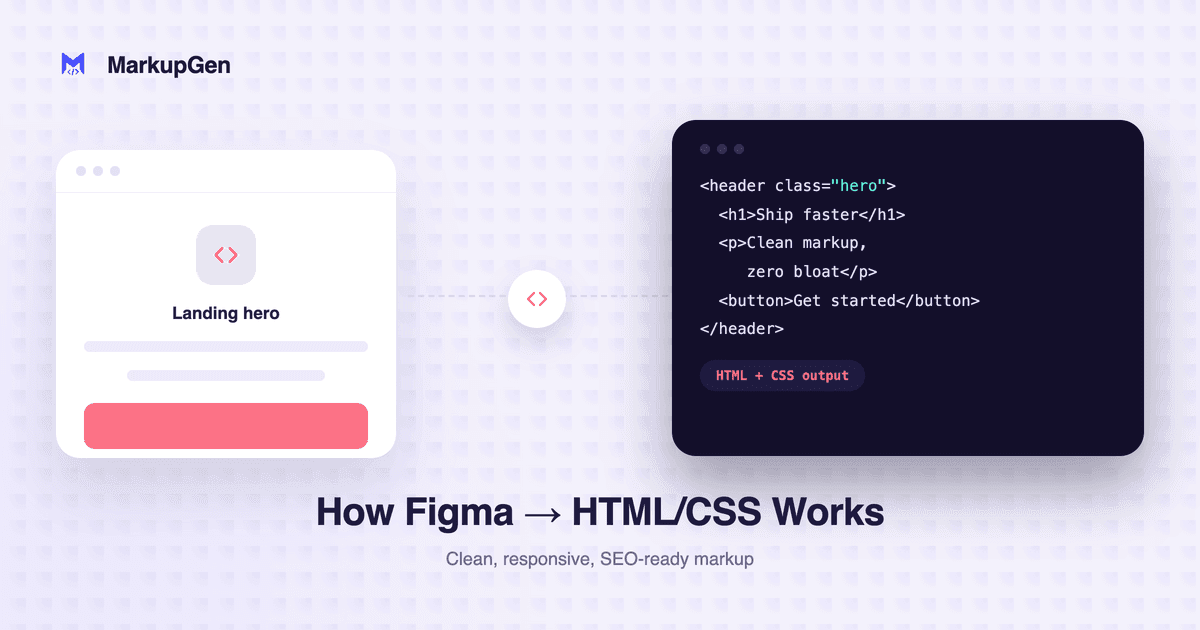
How MarkupGen's Figma-to-HTML/CSS Conversion Actually Works

Handing a Figma file to a developer usually means a checklist of repetitive work: reading Auto Layout and retyping it as Flexbox, re-measuring padding and gaps that already exist in the design, guessing where responsive breakpoints should go, then cleaning up a dozen nested <div>s. MarkupGen's Figma-to-HTML/CSS conversion feature exists to remove exactly that manual translation step.

What happens when you hit "Export from Figma"

Once you select a frame and send it over through the Figma plugin, MarkupGen doesn't take a screenshot and guess the structure — it reads the design's actual structure, styles and images directly. From that data:

  • Auto Layout becomes real Flexbox. Direction, gap, padding and alignment map to their Flexbox equivalents, not a rough approximation.
  • Constraints become responsive breakpoints. Resize constraints turn into flexible responsive rules instead of a single fixed-width page.
  • Layers become semantic HTML. The output favors meaningful tags — a proper heading hierarchy, semantic elements — over stacks of unlabeled <div>s.

You choose the output format

Not every project runs on the same stack. MarkupGen can export traditional Vanilla CSS — a good fit for static pages or build-free projects — or Tailwind CSS, with utility classes generated directly from your design's own spacing, color and typography tokens.

It doesn't stop at the first export

Automated conversion handles most of the work, but design-to-code is rarely 100% mechanical. The editor lets you adjust content, fonts and layout visually, with an instant live preview. Every export also gets an automatic AI quality score, so you know at a glance whether the output is production-ready or needs another pass.

Who it's for

Designers use it to finish an interface themselves without waiting on a developer to rebuild it. Developers use it as a reliable starting point to refine, instead of coding a page from zero. Either way, it shortens the gap between "design done" and "shipped to production."

If you want to see it work on your own Figma file, you can convert for free — no credit card required.

Prefer a quick overview before diving in? See the Figma to HTML & CSS converter page for what you get out of the box.

Try it with Figma to HTML

Related reading

Figma to HTML vs React vs Tailwind: Which Should You Choose?Blog

Figma to HTML vs React vs Tailwind: Which Should You Choose?

A decision guide for MarkupGen's three most-asked-about output choices — when to export Figma to HTML/CSS, when to export to React, and where Tailwind actually fits in.

Read more
Figma to Code: MarkupGen's React, Vue and CSS Framework SupportBlog

Figma to Code: MarkupGen's React, Vue and CSS Framework Support

MarkupGen converts a Figma design into React or Vue 3 components (plus Svelte and Angular), or HTML/CSS with Tailwind, Bootstrap and more.

Read more
How to Evaluate AI-Generated HTML Before You Ship ItBlog

How to Evaluate AI-Generated HTML Before You Ship It

A repeatable checklist for judging AI Figma-to-code output beyond 'it looks right' — visual fidelity, semantics, responsiveness, accessibility and weight.

Read more
Is Figma-to-HTML Output SEO-Ready? What to CheckBlog

Is Figma-to-HTML Output SEO-Ready? What to Check

Converted HTML can look identical to the design and still hurt SEO. A checklist for what to verify before publishing a Figma-to-code export.

Read more
Figma to Accessible HTML: A Practical GuideBlog

Figma to Accessible HTML: A Practical Guide

What accessibility actually requires in a Figma-to-HTML workflow — semantic markup, headings, ARIA, forms, contrast and keyboard navigation.

Read more
Figma to CSS: A Practical Conversion GuideBlog

Figma to CSS: A Practical Conversion Guide

Skip the framework dependency entirely. How Figma values convert to plain, hand-editable CSS — and when that's the right call over Tailwind or Bootstrap.

Read more
Compare

MarkupGen vs. Manual Coding: Figma to HTML

A fair comparison of hand-coding Figma designs versus using MarkupGen, so you can pick the right approach for your next project.

Read more
MarkupGen for Front-End DevelopersUse Cases

MarkupGen for Front-End Developers

Skip the manual rebuild. Turn Figma frames into clean HTML/CSS or React code and spend your time on logic, not layout.

Read more

Turn your next Figma design into code in minutes

Start free and export clean HTML, CSS or React from any Figma file.

Convert for Free
MarkupGenMarkupGen© 2025 MarkupGen. All rights reserved.
BlogUse CasesCompareResources
AboutDocumentationPrivacyTermsContact