
Published 2026-08-07 · By MarkupGen Team
MarkupGen Explained: The AI Figma-to-Code Platform
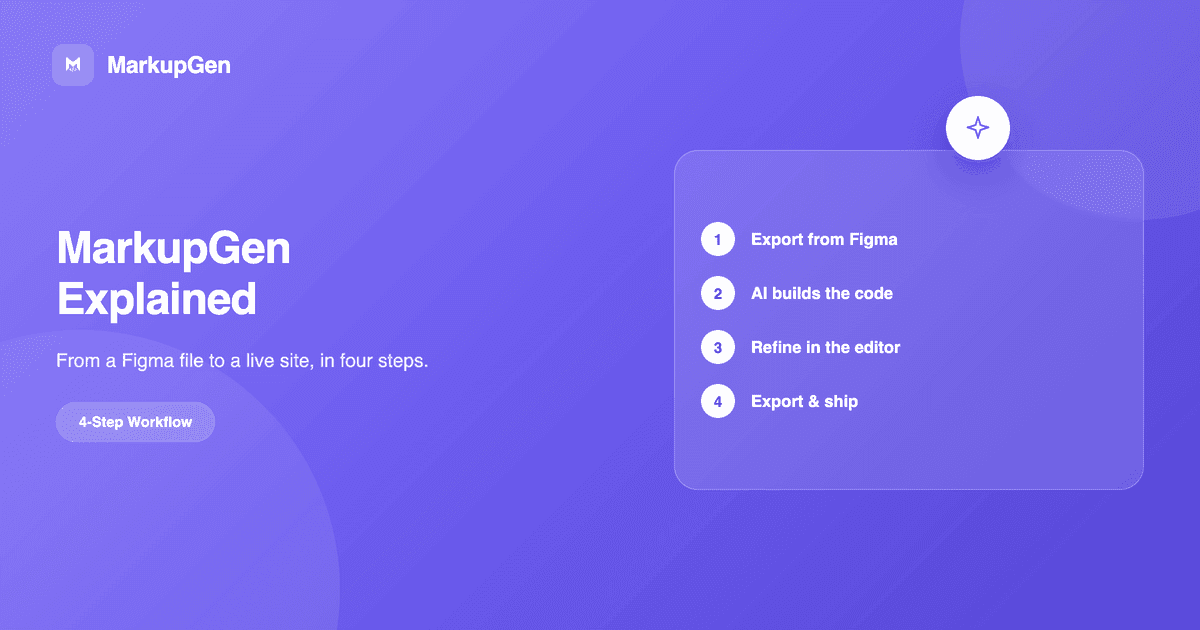
Most product teams hit the same bottleneck: the design is finished in Figma, but turning it into a working interface is still a slow, manual process that tends to drift from the original. MarkupGen exists to shorten that path — not by replacing developers, but by letting AI handle the mechanical translation so people can focus on the parts that actually need judgment.
What MarkupGen is
MarkupGen is an AI platform that converts Figma designs into clean, production-ready HTML, CSS and React code. You bring in a Figma frame — through the plugin or a link — and MarkupGen reads the design's actual structure, styles and images, then builds semantic markup instead of a pile of meaningless nested <div>s. The goal isn't just "convertible" output, it's output close to what a developer would write by hand for a real project.
The four-step process
The whole experience is built around four steps, each with a clear state for input, progress and output quality:
- Export from Figma. Use the Figma plugin to select the frame you want to convert — structure, styles and images are sent straight to your workspace, not reconstructed from a screenshot.
- Build. AI generates HTML/CSS that follows the design's actual structure and styling, instead of guessing.
- Refine. Edit content, fonts and layout directly in the editor, with a live preview that reflects every change.
- Export. Download the source package or share it directly once the output meets your bar.
What you get
A few core traits of the generated code:
- Auto Layout → Flexbox. Figma's Auto Layout properties (direction, spacing, padding, alignment) map directly onto an equivalent CSS Flexbox structure.
- Multiple output formats. Export as vanilla HTML/CSS or Tailwind CSS, depending on the stack you're shipping to.
- Responsive by default. Breakpoints and fluid layout come from the design's own resizing constraints.
- Clean, SEO-ready markup. No unnecessary wrapper
<div>s, a proper heading hierarchy, and semantic HTML that both browsers and search engines can parse well. - Automated quality scoring. Every export is scored by AI for how closely it matches the original design, so you know right away whether it's production-ready.
Who it's for
MarkupGen is built for designers and developers alike, and for teams working together: share projects within the same workspace, manage access by role, and keep everyone aligned on the state of each export — instead of every person carrying their own version of the same design's code.
Getting started
You don't need to know how to code to use MarkupGen — the generated code is ready to use, and any content or layout changes happen visually in the editor. If you want to see the full four-step process on your own Figma file, you can start for free, no credit card required.