
Published 2026-08-15 · By MarkupGen Team
From Figma to Microsite in Under 1 Minute, Fully Automatic
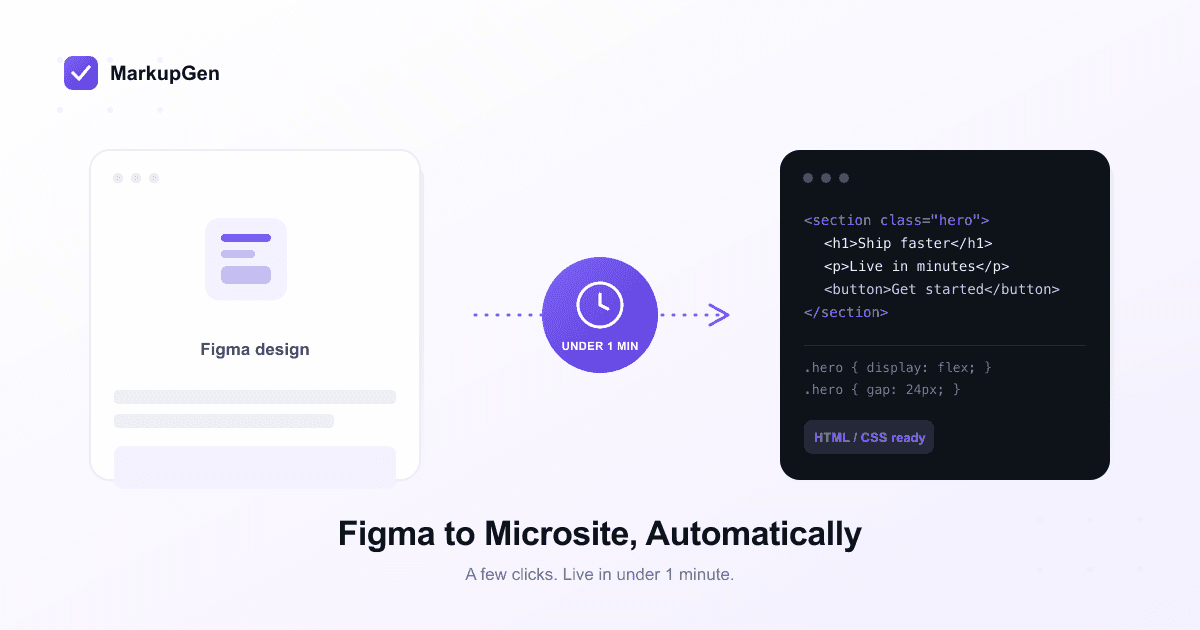
MarkupGen is an AI tool that converts Figma designs into HTML/CSS automatically. Select a frame, click, and the whole process — from Figma file to a live microsite or landing page — is done in under 1 minute. No manual coding, no developer handoff, just a few clicks.
What "automatic" actually means
This isn't a template picker or a screenshot-to-image converter. MarkupGen's AI reads the actual structure of the Figma frame — Auto Layout, components, styles, text, images — and generates real HTML/CSS that matches it. Auto Layout becomes Flexbox, resize constraints become responsive breakpoints, layers become semantic HTML. Nothing is rebuilt by guesswork, and nothing needs to be typed by hand.
From Figma file to live microsite in under 1 minute
- Select the frame in Figma. Open the MarkupGen plugin and pick the microsite or landing page frame you want to ship. A couple of seconds.
- Click to generate. MarkupGen's AI generates matching HTML/CSS (or Tailwind) automatically, in seconds — even for a full landing page with multiple sections.
- Review the live preview. See exactly what will ship before it ships. Most designs need zero adjustments; if something needs a tweak, edit copy, images or colors right in the editor.
- Publish or export. Get a live link instantly, or download the code to host it yourself.
Add it up and a design that's been sitting finished in Figma can be a real, working page before your coffee gets cold — no quote, no queue, no back-and-forth with a developer.
Why this matters for cost and revision time
A one-off microsite or landing page rarely justifies a full development cycle, but it usually gets one anyway. A freelancer or agency quote for a single landing page commonly runs from a few hundred to a few thousand dollars, plus several days of back-and-forth — for a page that might only need to exist for a two-week campaign. Every follow-up edit (a new headline, a swapped image, a pricing update) reopens that same cycle: a message to the developer, a wait, a review.
Because the conversion is automatic, that entire cycle collapses into the same few clicks you used the first time. A headline change is a text edit, not a ticket. A new campaign variant is a re-export, not a re-brief.
What ships is still production-ready
Automatic and fast doesn't mean disposable. MarkupGen's output includes:
- Responsive layouts. Figma's resize constraints become real CSS breakpoints, so the page holds up on mobile without a manual pass.
- Semantic, SEO-ready markup. Proper heading structure and clean HTML instead of nested
<div>soup — important for a page whose job is to be found and to convert. - A choice of stack. Plain HTML/CSS for a dependency-free static page, or Tailwind if that's what the rest of your site runs on.
- An automatic quality score. Every export is scored against the original Figma frame, so you know at a glance whether it's ready to ship.
Frequently asked questions
Is the Figma-to-HTML/CSS conversion really automatic? Yes. MarkupGen's AI reads the Figma frame's structure and generates the HTML/CSS itself — no manual coding step is required to get a working page.
How long does it actually take? For most microsites and landing pages, the full process — selecting the frame, generating the code, reviewing the preview, and publishing — takes under 1 minute.
Do I need to know how to code? No. Selecting a frame and clicking generate is enough to get a live page. Coding knowledge only helps if you want to customize the output further.
Who this is for
Marketers and founders can take a campaign page from Figma to live without waiting on engineering time. Agencies can quote microsites and landing pages at a fraction of the usual cost, since the build step stops being billable hours. Developers get to spend their time on work that actually needs judgment, instead of retyping padding values from a design file.
If you have a microsite or landing page waiting in Figma, you can start for free and see it convert in under 1 minute — no credit card required.